 English
 Arabic




How to Choose the Best Laptop in Qatar in 2026: The Complete Buying Guide for Students, Professionals & Businesses
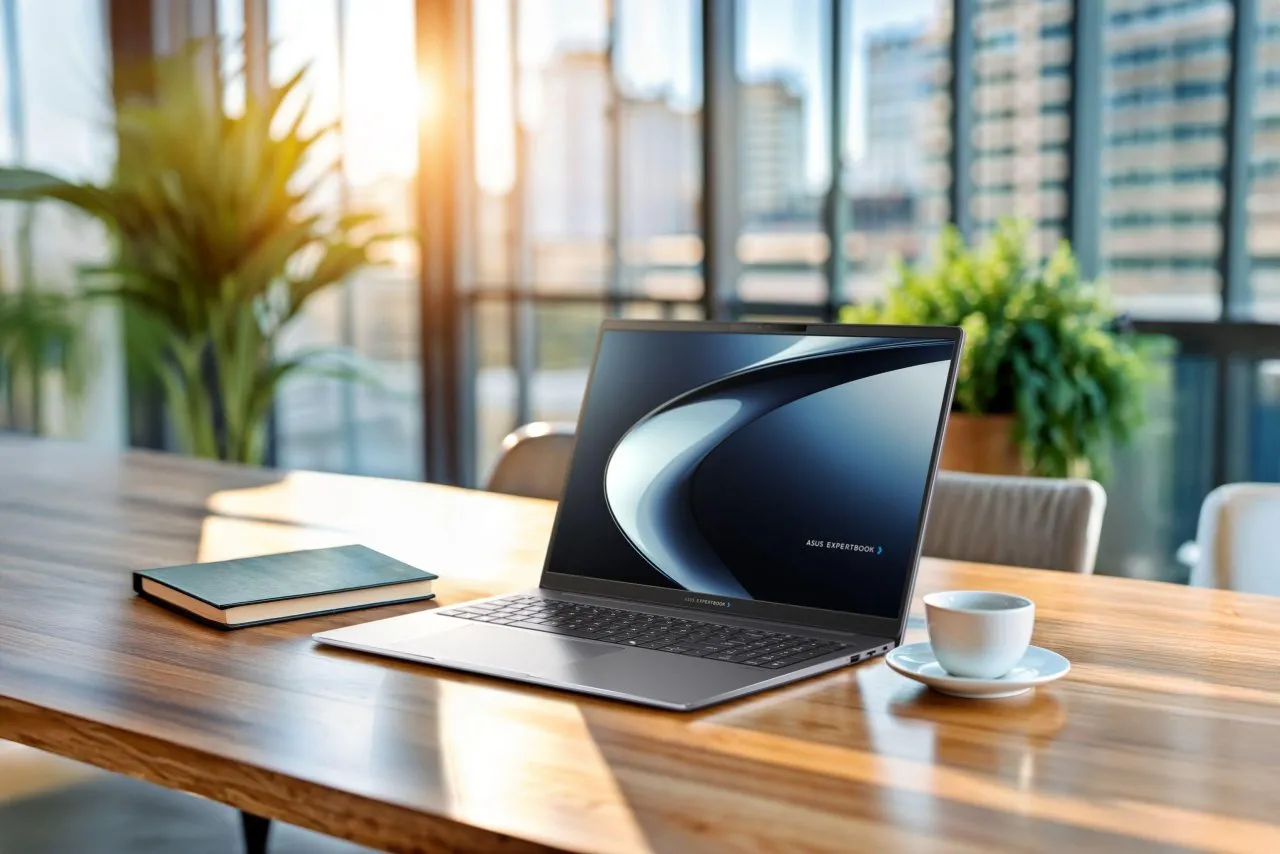
Choosing the right laptop is an important investment. Whether you are a university student, business professional, entrepreneur, creative designer, or technology enthusiast, the laptop you purchase should match your daily requirements, performance expectations, and budget.
With so many brands, processors, configurations, and screen sizes available, finding the right laptop in Qatar can quickly become confusing. Two laptops may look almost identical but deliver very different experiences depending on their internal hardware and intended purpose.
At Masasouq, we believe that buying technology should be a simple and informed experience. Since 2017, Masasouq has been serving customers with electronics, computing products, accessories, and lifestyle solutions.
This comprehensive guide explains everything you should consider before buying a laptop in Qatar, helping you identify the right specifications, avoid common purchasing mistakes, and find a device that delivers long-term value.
1. Start With Your Main Purpose: What Will You Use Your Laptop For?
The biggest mistake buyers make is choosing a laptop based only on its price, brand, or processor name. The best laptop is not necessarily the most expensive one. It is the device that performs the tasks you need without paying for unnecessary features.
Laptops for University Students
Students generally need a laptop that is reliable, portable, and capable of handling multiple applications simultaneously. Everyday activities include research, online classes, presentations, document editing, browsing, and video conferencing.
For most students, look for:
- At least 8GB RAM, with 16GB recommended for comfortable multitasking.
- A 256GB SSD or larger, preferably 512GB.
- A modern Intel Core or AMD Ryzen processor.
- A comfortable keyboard and clear display.
- Good battery life and manageable weight.
A 14-inch laptop can be particularly convenient for students who regularly carry their computers between home, university, and libraries.
Laptops for Business Professionals
Business users require reliability, productivity, security, and efficient multitasking. A suitable business laptop should handle spreadsheets, presentations, email, video meetings, business software, and numerous browser tabs.
We recommend considering:
- 16GB RAM for smooth professional multitasking.
- 512GB SSD or higher for business documents and applications.
- A modern multi-core processor.
- Comfortable keyboard and quality display.
- Suitable connectivity and security features.
Business-oriented models such as Lenovo ThinkPad and selected HP laptops are worth considering when productivity and everyday reliability are priorities.
Laptops for Designers and Content Creators
Graphic designers, photographers, video editors, and content creators need more powerful hardware than typical office users.
Important specifications include:
- 16GB RAM as a starting point, with 32GB recommended for demanding projects.
- A high-performance processor.
- Dedicated graphics when required by your software.
- High-resolution displays with accurate colour reproduction.
- Fast SSD storage with sufficient capacity.
If you regularly work with professional video editing, 3D applications, or large creative projects, consider your software's recommended specifications before making a purchase.
Gaming Laptops
Gaming requires a different approach. Graphics performance, cooling, display refresh rate, and processor capability all influence the experience.
For modern gaming, consider:
- A dedicated NVIDIA GeForce RTX or suitable AMD graphics processor.
- At least 16GB RAM.
- 512GB SSD or more.
- A Full HD or higher-resolution display.
- A 144Hz or higher refresh rate when supported by your gaming requirements.
- An effective cooling system.
Explore the gaming category at Masasouq to discover gaming computers and accessories.
Explore laptops and computers at Masasouq
2. Understanding Laptop Processors: Intel, AMD and Apple
The processor is one of the most important components of any laptop. It determines how efficiently your computer executes instructions and handles demanding applications.
Intel Processors
Intel processors are widely available across laptops designed for students, professionals, businesses, and gaming enthusiasts.
When comparing Intel configurations, consider the processor generation, exact model, core count, power characteristics, and intended workload rather than relying only on the Core branding.
AMD Ryzen Processors
AMD Ryzen processors are another excellent option. Depending on the model, they can deliver strong everyday performance, efficient multitasking, and impressive capabilities for demanding applications.
Compare the exact Ryzen model and generation before choosing between AMD and Intel. Neither brand is automatically better for every buyer.
Apple Silicon
Apple MacBook computers use Apple's own processors, offering an integrated hardware and software experience. They are popular among professionals who value portability, battery efficiency, and compatibility with macOS applications.
Before purchasing, verify that the software you depend on supports macOS.
3. How Much RAM Do You Really Need?
RAM determines how many applications and tasks your laptop can comfortably handle at the same time.
- 8GB RAM: Suitable for basic browsing, document editing, and everyday tasks.
- 16GB RAM: A practical choice for most students, professionals, and multitasking users.
- 32GB RAM: Recommended for demanding creative applications, development, and intensive multitasking.
- 64GB RAM or more: Useful for specialised professional workloads and advanced applications.
Remember that some modern laptops have soldered memory that cannot be upgraded. Always check the memory upgrade options before buying.
4. SSD Storage vs Traditional Hard Drives
Storage affects how much information your laptop can keep and how quickly you can access it.
For most modern laptops, SSD storage is the preferred choice because it provides faster boot times, application loading, and file access compared with traditional mechanical hard drives.
- 256GB SSD: Suitable for light users with limited storage requirements.
- 512GB SSD: A balanced option for everyday work and study.
- 1TB SSD: Ideal for users who manage larger applications, documents, and media libraries.
- 2TB SSD or higher: Worth considering for professional and storage-intensive workloads.
5. Choosing the Right Laptop Screen Size
The screen size affects portability, workspace, and overall comfort.
- 13–14 inches: Excellent for portability, commuting, and university life.
- 15–16 inches: A balanced choice for office work, productivity, and entertainment.
- 17 inches and above: Suitable for users who prefer a larger display, particularly for gaming and specialised workflows.
Also consider screen resolution, brightness, refresh rate, panel technology, and colour accuracy. A larger screen does not automatically mean a better display.
6. Recommended Laptop Options Available at Masasouq
Once you understand your requirements, the next step is to compare actual products. Masasouq offers a selection of computing products from established technology brands.
HP OmniBook Ultra AI 14
For customers looking for a premium portable laptop, the HP OmniBook Ultra AI 14 is an interesting option.
Its listed configuration includes:
- Intel Core Ultra 7 356H processor.
- 16GB LPDDR5x memory.
- 1TB PCIe Gen5 NVMe SSD.
- 14-inch 3K OLED touchscreen.
- Integrated Intel Graphics.
- Windows 11 Home.
The combination of a high-resolution OLED touchscreen, modern processor, and 1TB storage makes this model worth exploring for professional productivity and everyday premium computing.
View HP OmniBook Ultra AI 14 at Masasouq
Lenovo ThinkPad E16 Gen 3
The Lenovo ThinkPad E16 Gen 3 is another option to consider for users who prefer a larger screen and a business-oriented laptop configuration.
Its listed specifications include:
- Intel Core Ultra 5 226V processor.
- 16GB LPDDR5X RAM.
- 512GB NVMe SSD.
- 16-inch WUXGA IPS display.
- Integrated Intel Arc Graphics.
- Wi-Fi 6E connectivity.
This configuration is worth considering for office productivity, business applications, research, and everyday multitasking.
One important detail: this listing specifies DOS rather than Windows. Check the operating system requirements and licensing before purchasing.
View Lenovo ThinkPad E16 Gen 3 at Masasouq
7. Essential Laptop Accessories Worth Considering
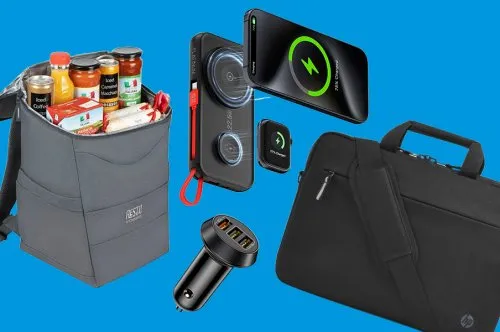
A laptop is only one part of an effective workspace. The right accessories can improve productivity, comfort, portability, and everyday convenience.
Wireless Mouse
A comfortable wireless mouse makes everyday navigation and professional work easier, particularly when using a laptop for extended periods.
Laptop Bag or Backpack
A suitable laptop bag helps protect your computer during commuting, travelling, and everyday transportation.
USB-C Hubs and Adapters
USB-C hubs can expand connectivity by providing additional ports for monitors, storage devices, keyboards, and other peripherals. Always check compatibility with your laptop.
External Storage
External SSDs and hard drives are useful for backups, large files, media libraries, and transferring information between devices.
Chargers and Power Banks
Choose compatible charging accessories with the correct power delivery and safety specifications for your device.
Discover computer accessories and technology products at Masasouq
8. What Should You Check Before Buying a Laptop Online in Qatar?
Before placing your order, take a few minutes to verify the following information.
- Exact model number: Confirm the complete product model and SKU.
- Processor: Check the exact processor model and generation.
- RAM: Verify the installed memory and whether it is upgradeable.
- Storage: Check SSD capacity and available expansion options.
- Operating system: Confirm whether Windows, DOS, or another operating system is included.
- Warranty: Review the warranty coverage and applicable terms.
- Delivery: Check delivery charges, estimated delivery time, and destination availability.
- Payment: Review the available payment methods before checkout.
These checks can prevent unexpected surprises and help you make a more confident purchase.
9. Why Consider Masasouq for Online Technology Shopping in Qatar?
Finding the right product is important, but so is choosing a shopping platform that makes the purchasing process convenient.
Masasouq has been operating since 2017, offering customers access to a wide selection of electronics, computing products, accessories, and lifestyle items.
Here are some of the reasons to explore Masasouq:
- Wide product selection: Discover laptops, desktops, tablets, printers, networking equipment, gaming products, and accessories.
- Recognised brands: Explore products from established technology manufacturers.
- Convenient online shopping: Browse categories, compare product specifications, and place orders online.
- Multiple payment methods: Available options include cash on delivery, debit and credit cards, bank transfers, and cheque payments.
- Customer support: Contact the Masasouq team if you have questions about products or orders.
Masasouq also provides delivery information to help customers understand the ordering and fulfilment process.
10. Frequently Asked Questions About Buying Laptops in Qatar
What is the best laptop to buy in Qatar in 2026?
The best laptop depends on your needs. Students may prefer lightweight laptops, professionals may benefit from business-oriented configurations, and gamers should prioritise dedicated graphics and cooling performance.
Is 16GB RAM enough for a laptop?
For most students and office professionals, 16GB RAM provides a good balance of multitasking performance and everyday usability. More demanding workloads may require 32GB or more.
Should I choose an Intel or AMD laptop?
Both Intel and AMD offer excellent processors. Compare the exact processor models, performance, power efficiency, graphics capabilities, and price rather than choosing based only on the brand.
Is an SSD better than an HDD?
For most laptop users, an SSD is preferable because it provides faster data access, application loading, and system startup.
Can I buy a laptop online from Masasouq?
Yes. Customers can browse available laptops and computers through the Masasouq website, select a product, and complete the online ordering process.
What payment options does Masasouq offer?
Masasouq lists cash on delivery, debit and credit card payments, bank transfer, and cheque as available payment options. Certain payment methods may require confirmation before delivery.
How long does delivery take?
According to the Masasouq FAQ, orders placed before 4 PM on working days are handled with the aim of same-day or next-working-day delivery. Actual delivery depends on the applicable delivery policy, destination, and order circumstances.
Final Thoughts: Find the Right Laptop for Your Needs
Choosing the right laptop does not have to be complicated. By understanding your requirements, comparing processors, selecting appropriate RAM and storage, and checking the display and operating system, you can make a much better purchasing decision.
Whether you are searching for a laptop for university, professional work, business productivity, or entertainment, taking the time to compare specifications will help you find a device that meets your expectations.
Ready to upgrade your technology?
Explore the laptop and computer collection at Masasouq and discover technology products designed to support your everyday needs.
SHOP LAPTOPS & COMPUTERS AT MASASOUQ
Visit www.masasouq.com and discover more technology products today.